TakeFive · for macOS
Sit less.
Feel better.
A gentle break reminder that lives in your Mac’s menu bar — and politely steps aside when you’re in a meeting or presenting.
Gentle reminders
Never forget
to stand up.
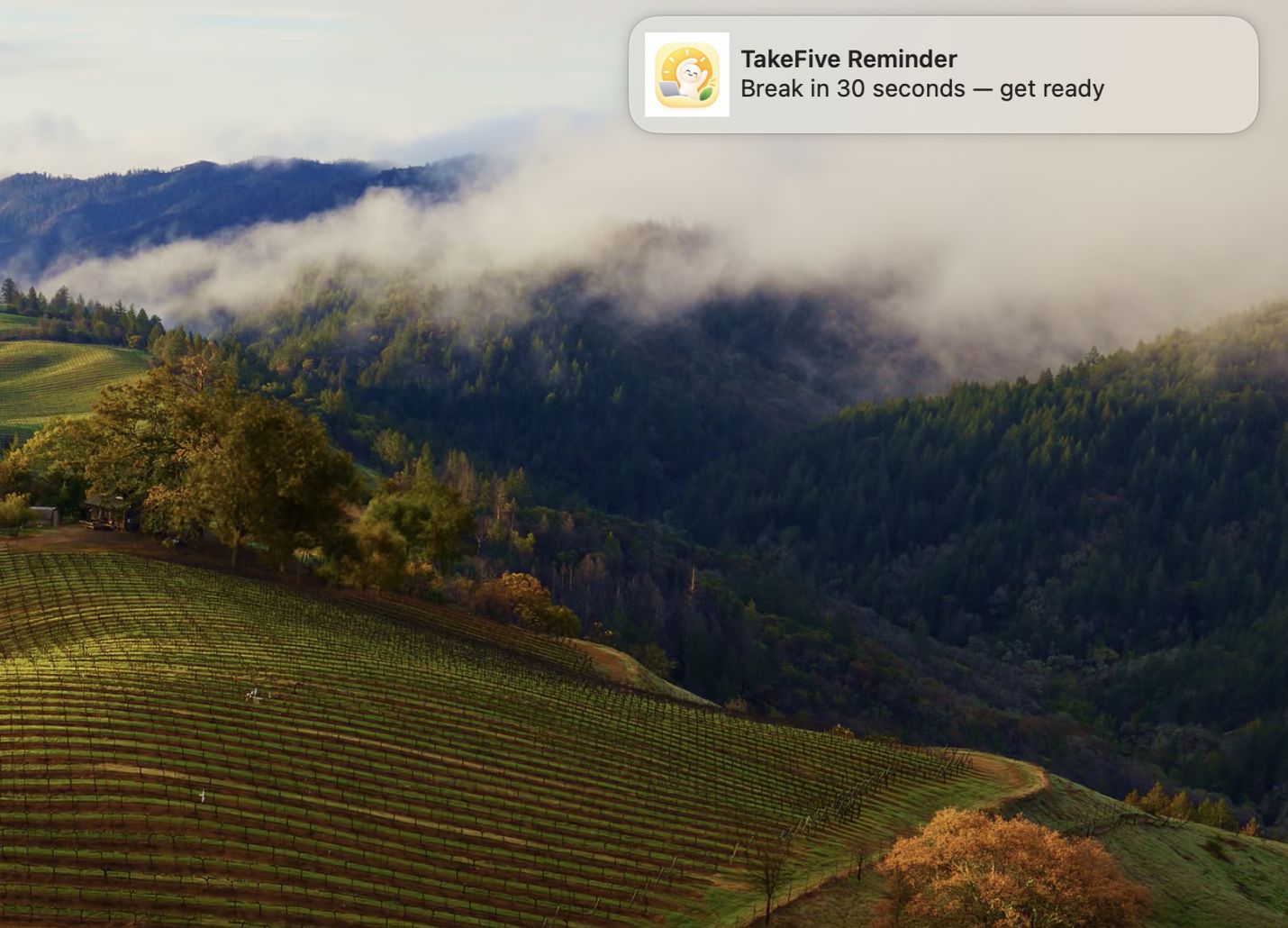
TakeFive nudges you 30 seconds before it’s time — a quiet heads-up so you can finish your sentence. Snooze it, or skip it. No guilt, no lockdown.
Always on, never in the way
It lives quietly
in your menu bar.
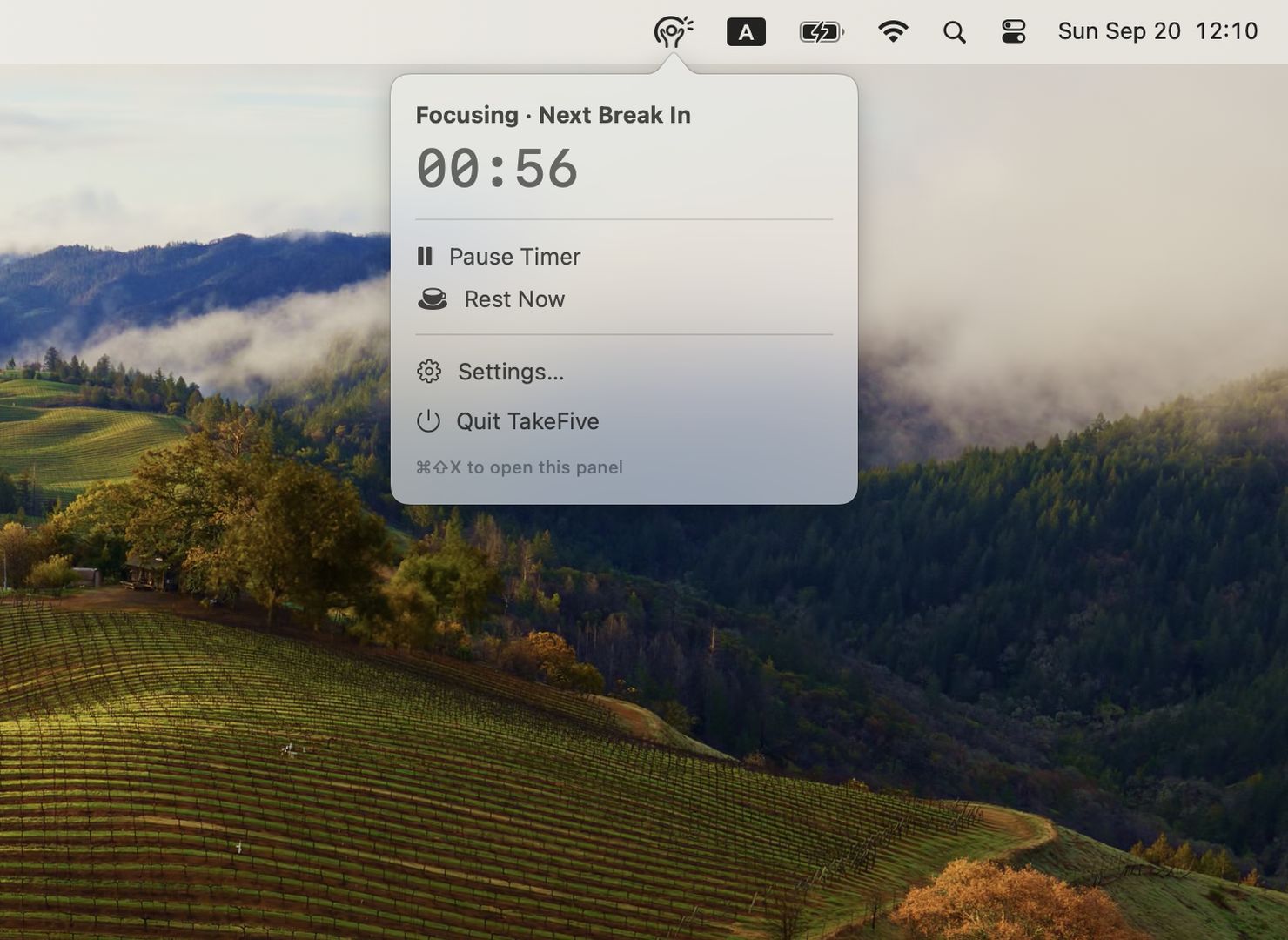
A tiny countdown sits next to your clock. Glance to see time until your next break, pause with one click, or rest right now — all without opening a window.
Real breaks
A full-screen
moment to breathe.
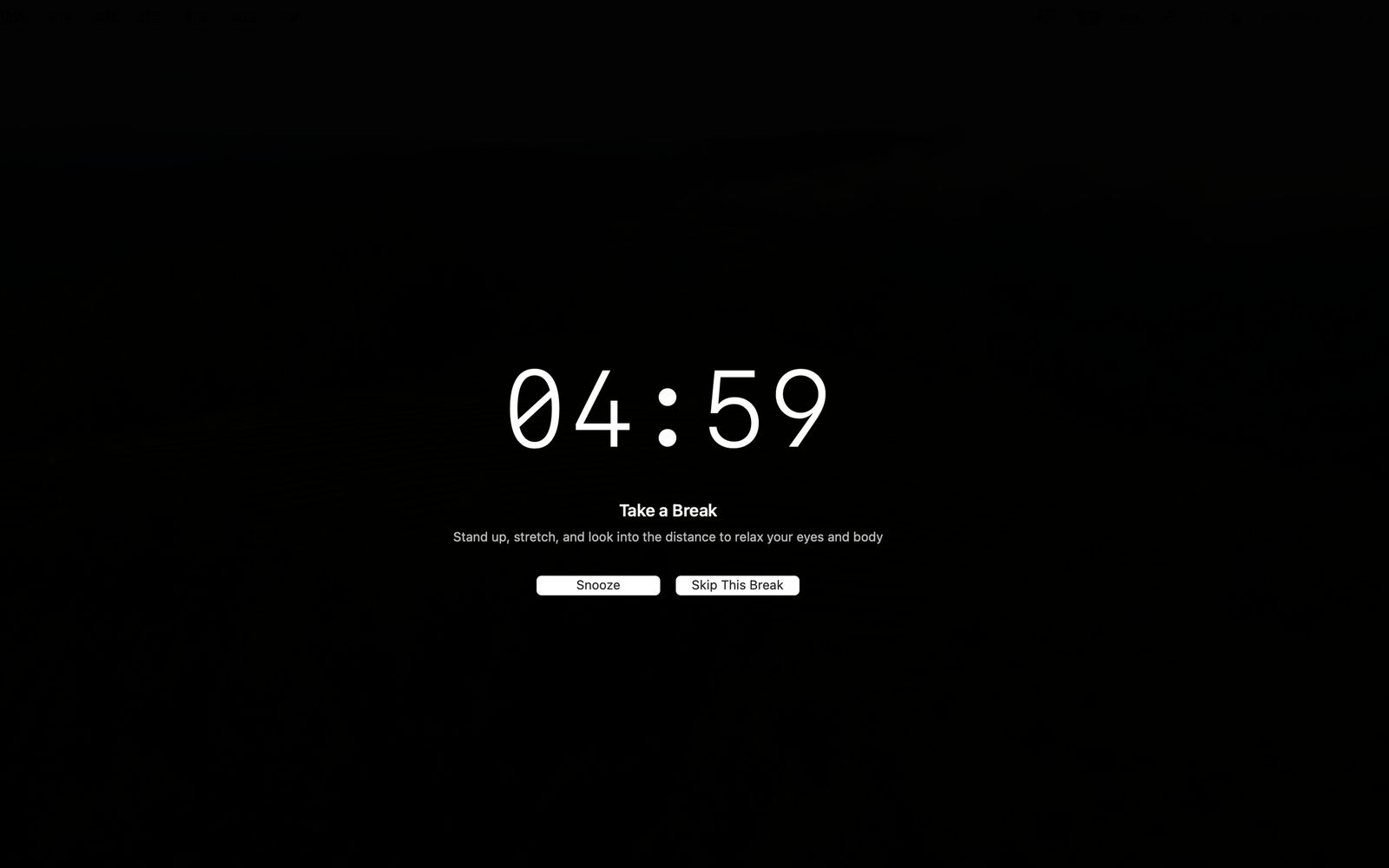
When it’s time, TakeFive fills your screen with a calm countdown. Stand up, stretch, look far away. Your eyes — and your back — will thank you.
Made for you
Tune it to
your rhythm.
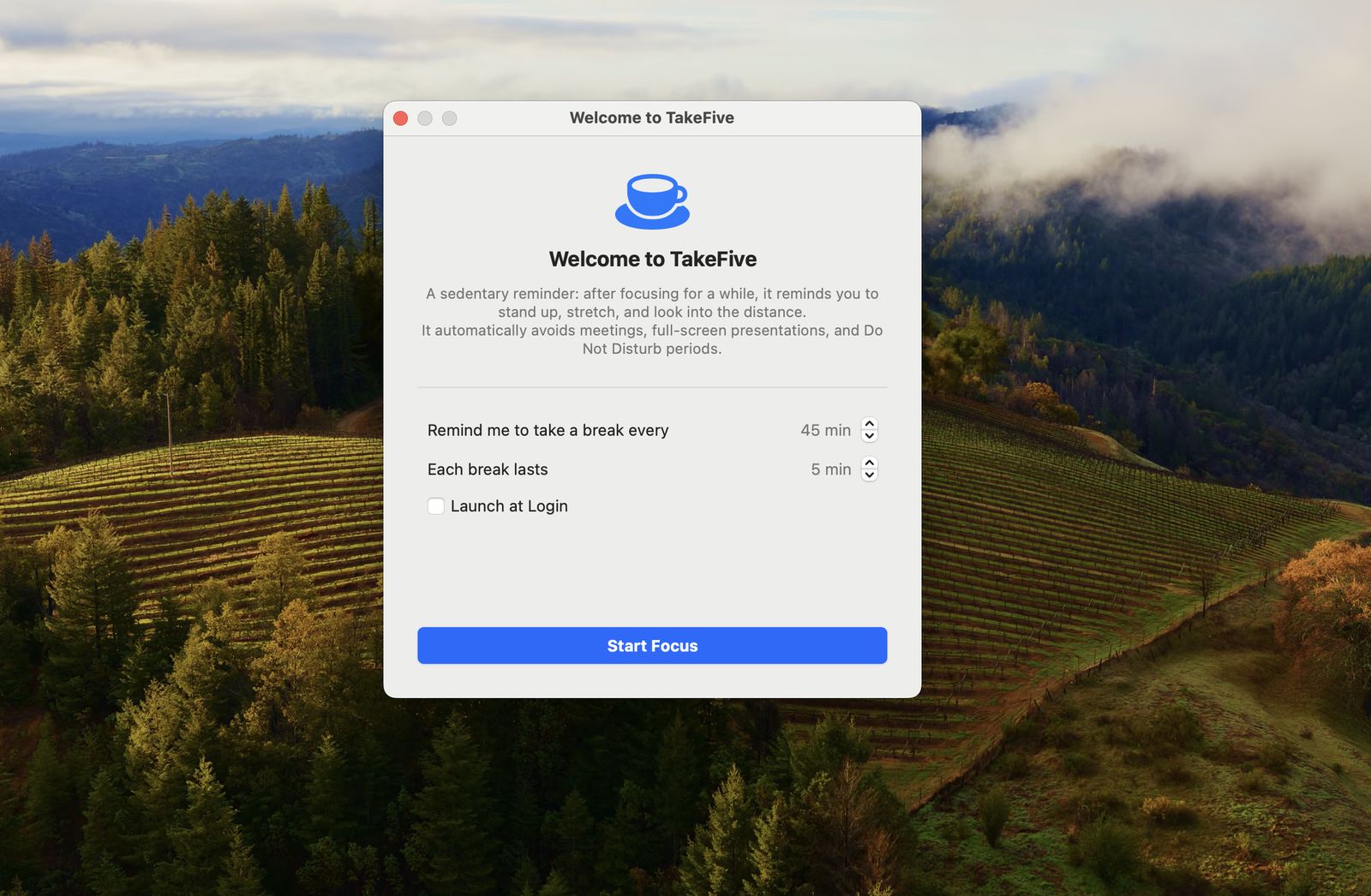
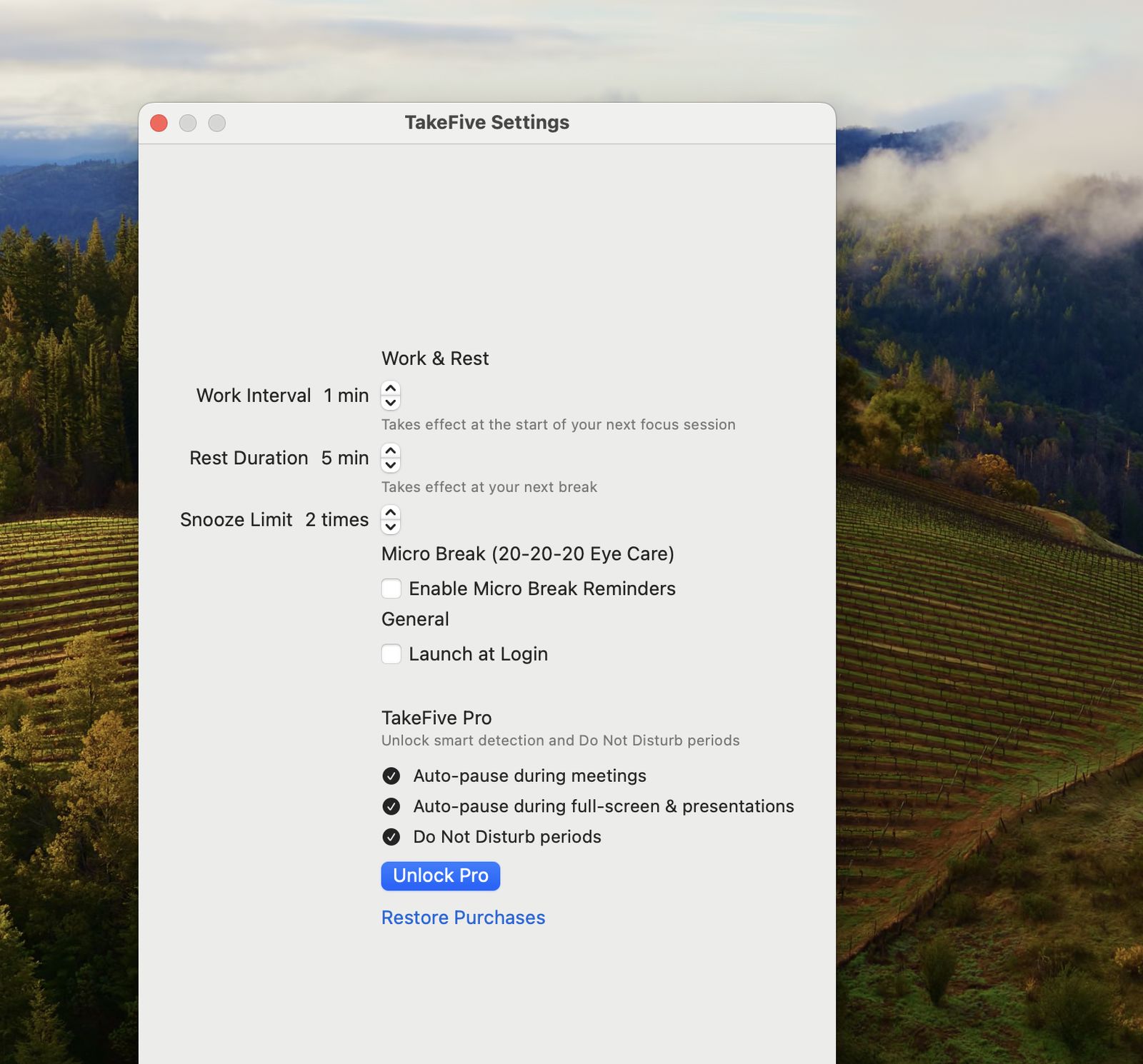
Set how long you work and how long you rest. Turn on 20-20-20 micro-breaks — every 20 minutes, look 20 feet away for 20 seconds to rest your eyes.
TakeFive Pro
Knows when you’re
in the zone.
Pro watches for the moments you shouldn’t be interrupted — and stays quiet on its own.
-
🎥
Auto-pause in meetings
On camera or on a call? TakeFive holds your break until you’re done.
-
🖥️
Auto-pause in full-screen
Presenting or deep in a full-screen app? It won’t steal the stage.
-
🌙
Do Not Disturb periods
Protect your focus hours. Breaks wait until you’re ready.
Questions, answered.
Does TakeFive need the internet?
No. Everything runs locally on your Mac. Nothing is tracked, and nothing leaves your machine.
Is it free?
Yes — the core break reminder is free forever. Pro adds smart auto-pause and focus protection, unlocked with a one-time purchase.
Which Mac do I need?
TakeFive works on macOS 13 Ventura or later, on both Apple silicon and Intel Macs.
Does it collect my data?
No. TakeFive doesn’t collect, store, or send any personal data. What happens on your Mac stays on your Mac.